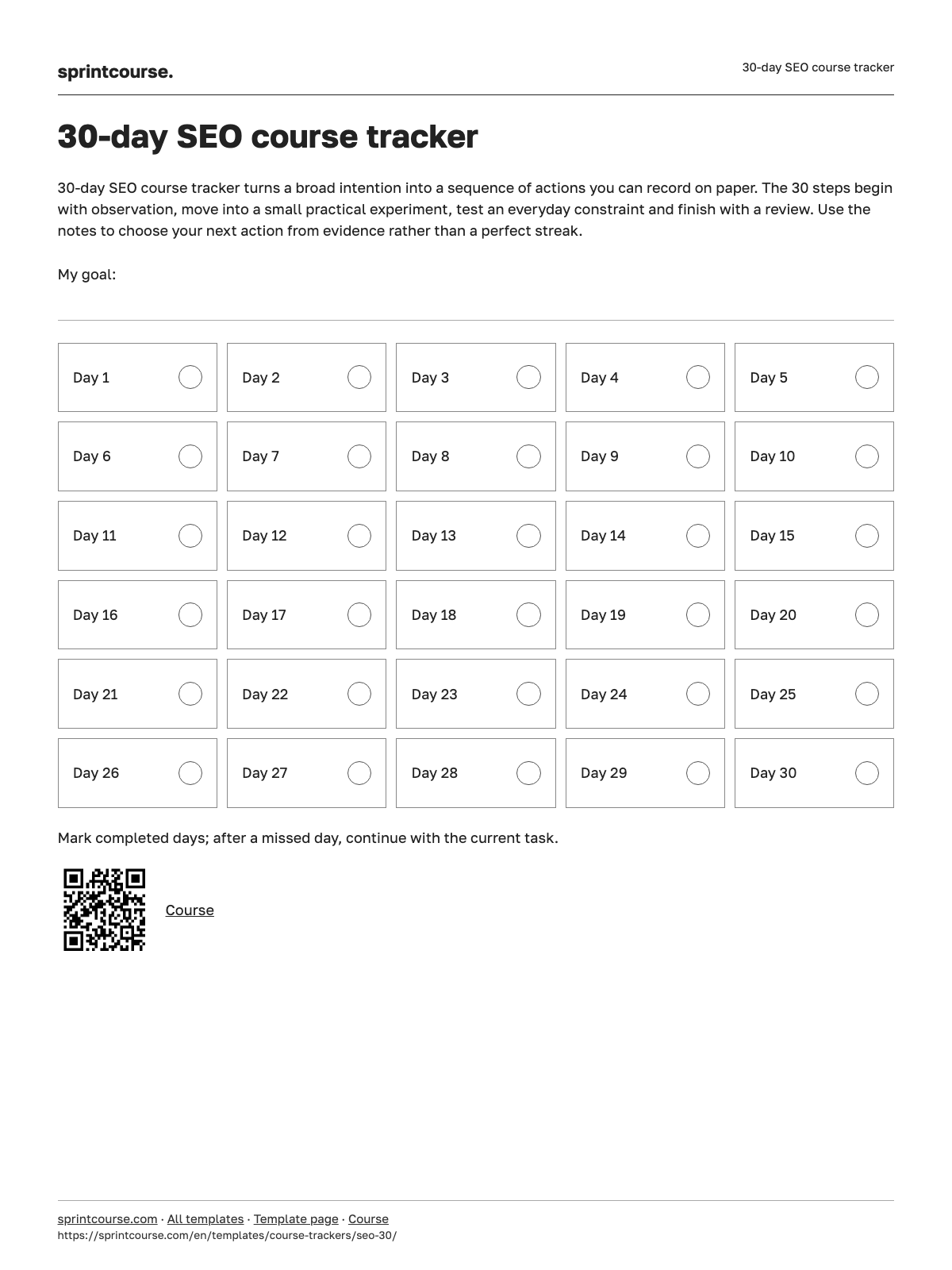
Day 1
Compare a site-specific search with your useful page inventory. Check one important URL separately and record a discrepancy rather than treating the result count as exact.
What did you observe while practising “День 1. Как поисковик находит и показывает страницу”, and which result will you test next?
Day 2
Choose three target queries. Compare the page formats in their search results with your own destination pages and identify the visitor intent each one serves.
What did you observe while practising “День 2. Поисковое намерение: что человек хочет на самом деле”, and which result will you test next?
Day 3
Inspect a priority query’s results. List the features above ordinary links and collect unanswered questions that would help a visitor choose your page.
What did you observe while practising “День 3. Анатомия выдачи: за что идёт борьба”, and which result will you test next?
Day 4
Check a key page for authorship, contact details, specific conditions, original examples, repetition and intrusive elements. Pick three useful improvements.
What did you observe while practising “День 4. Как поисковик оценивает качество”, and which result will you test next?
Day 5
Run the lesson’s five diagnostic checks. Record the issue, location, impact and next action; also note checks that found no problem.
What did you observe while practising “День 5. Экспресс-диагностика своего сайта за 15 минут”, and which result will you test next?
Day 6
Choose three seed topics and collect relevant queries from suggestions or available research tools. Remove unrelated searches and label useful modifiers.
What did you observe while practising “День 6. Сбор запросов: откуда брать спрос”, and which result will you test next?
Day 7
Add sourced demand figures, an observed difficulty estimate and project value to the query list. Compare priorities without inventing missing measurements.
What did you observe while practising “День 7. Частотность, сложность и ценность запроса”, and which result will you test next?
Day 8
Group synonyms and reordered queries. Compare shared result URLs for uncertain pairs and select a main query for each group.
What did you observe while practising “День 8. Кластеризация: какие запросы живут на одной странице”, and which result will you test next?
Day 9
Map each query cluster to an existing or proposed page. Check three important searches for competing pages on your own site and record a decision.
What did you observe while practising “День 9. Карта «кластер → страница» и каннибализация”, and which result will you test next?
Day 10
Collect eight to ten tasks from your diagnosis and page map. Apply the lesson’s prioritization model and create a feasible first-week plan.
What did you observe while practising “День 10. Контент-план по приоритетам”, and which result will you test next?
Day 11
Choose three pages with impressions. Record their current titles and descriptions, draft alternatives and check that their promises match the page contents.
What did you observe while practising “День 11. Title и description, по которым кликают”, and which result will you test next?
Day 12
List a page’s headings, useful reader questions and relevant competing outlines. Build an H1–H3 structure that answers a specific intent.
What did you observe while practising “День 12. Заголовки H1–H3 и структура текста”, and which result will you test next?
Day 13
Review a selected page for direct answers, examples, facts and unnecessary repetition. Rewrite one weak section and explain the reader benefit.
What did you observe while practising “День 13. Текст, который закрывает намерение”, and which result will you test next?
Day 14
Inspect meaningful page images for purpose, dimensions, file size and alternative text. Plan one change that preserves their explanatory value.
What did you observe while practising “День 14. Изображения: alt, вес и форматы”, and which result will you test next?
Day 15
Inspect page addresses and internal links. Find vague anchors, unnecessary parameters or duplicate destinations and plan a safe adjustment.
What did you observe while practising “День 15. URL, хлебные крошки и ссылки в тексте”, and which result will you test next?
Day 16
Read the site’s robots file and page indexing directives using the lesson’s checks. Distinguish crawl control from indexing control and record an issue before changing anything.
What did you observe while practising “День 16. robots.txt и noindex: что закрывать от поиска”, and which result will you test next?
Day 17
Compare a preferred page address with its canonical and sitemap signals. Check response statuses and note conflicting signals for investigation.
What did you observe while practising “День 17. Sitemap и canonical: карта и главная версия”, and which result will you test next?
Day 18
Measure two pages with an available performance tool. Record the testing environment, a problematic metric and one small change to compare later.
What did you observe while practising “День 18. Скорость и Core Web Vitals”, and which result will you test next?
Day 19
Open two pages on a phone. Check readability, controls and the presence of key text and links compared with the desktop edition.
What did you observe while practising “День 19. Мобильная версия и JavaScript”, and which result will you test next?
Day 20
Validate structured data on two pages. Record detected types and issues; select a suitable type only for content visitors can actually see.
What did you observe while practising “День 20. Структурированные данные (schema.org)”, and which result will you test next?
Day 21
Draw connections between a topic hub, detailed resources and useful destination pages. Identify missing contextual links and improve one connection.
What did you observe while practising “День 21. Перелинковка как система: хабы и кластеры”, and which result will you test next?
Day 22
Read your site’s external link report. Assess ten sources for relevance and signs of a real publication; record suspicious examples without drawing automatic conclusions.
What did you observe while practising “День 22. Внешние ссылки: какие помогают, какие вредят”, and which result will you test next?
Day 23
Plan a small useful publication or original example for a PR opportunity. Find five relevant outlets and draft one specific contribution proposal.
What did you observe while practising “День 23. Цифровой PR: ссылки, которые зарабатывают”, and which result will you test next?
Day 24
If the project serves a real location, compare business details on the site and maps. Review unanswered feedback and draft helpful replies; otherwise record why the exercise does not apply.
What did you observe while practising “День 24. Локальное SEO: карты и отзывы”, and which result will you test next?
Day 25
For actual language editions, inspect hreflang, return links and content equivalence. Do not add imaginary addresses for translations that do not exist.
What did you observe while practising “День 25. Многоязычные и мультирегиональные сайты: hreflang”, and which result will you test next?
Day 26
Connect available webmaster tools or open existing reports. Select queries with impressions and pages with indexing issues for a further check.
What did you observe while practising “День 26. Search Console и Яндекс Вебмастер”, and which result will you test next?
Day 27
Compare appropriate reporting periods and follow the chain from impressions to useful actions. Separate branded queries and note seasonal or project changes.
What did you observe while practising “День 27. Метрики и отчёт: что считать успехом”, and which result will you test next?
Day 28
Choose a page with improvement potential. Find unanswered query themes and plan updates to facts, structure, title and useful internal links.
What did you observe while practising “День 28. Обновление старого контента”, and which result will you test next?
Day 29
Try three topic questions in available AI-assisted answers. Compare cited sources and rewrite a relevant paragraph as a direct, checkable explanation.
What did you observe while practising “День 29. SEO для ИИ-ответов и чат-поиска”, and which result will you test next?
Day 30
Turn your notes into a ninety-day plan for urgent fixes, quick improvements, content and useful connections. Assign owners and a review date.
What did you observe while practising “День 30. Финал: ваш SEO-план на 90 дней”, and which result will you test next?
 sprintcourse